
PLAY FREE GAMES
RIGHT IN YOUR BROWSER
No downloads, no installations. Jump straight into action, strategy, driving, sports and puzzle games with instant browser play.
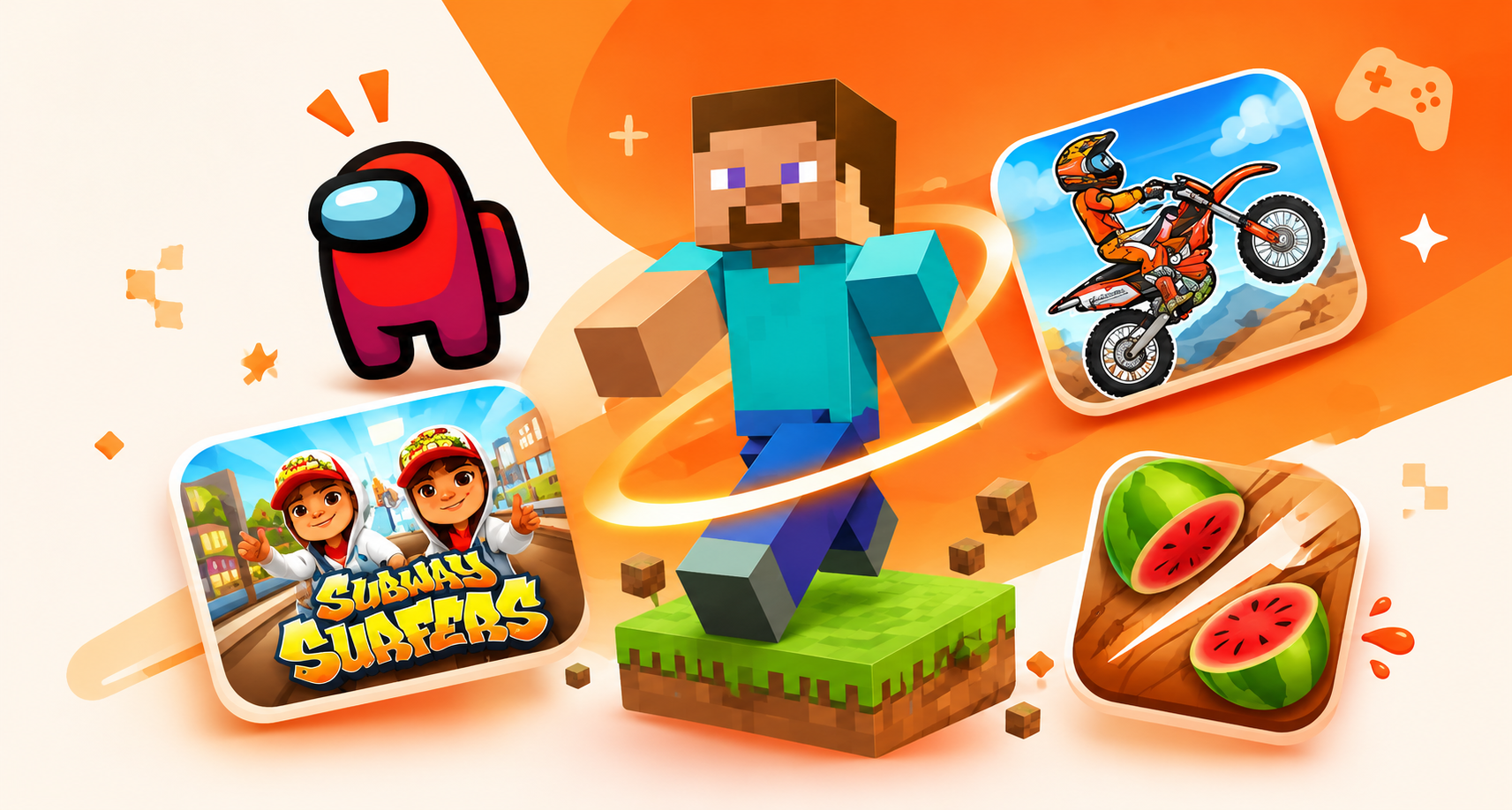
Popular Games
Most Searched BAMZO
Search the most popular browser games, including Slope, 1v1.LOL, Retro Bowl, Run 3, Tunnel Rush and Moto X3M.
All games
Favorite Games
Recently Played
BAMZO and browser games
BAMZO is a lightweight, responsive catalog created for instant browser play. Explore action, adventure, strategy, puzzle, casual, driving and sports games without installing an app. The static HTML structure is optimized for GitHub Pages and works across desktop, tablet and mobile devices.
Play BAMZO and Discover 450+ Browser Games
BAMZO is built as a fast game catalog for players who want to open a browser game, find the controls and start playing without searching through unrelated pages. The library includes more than 450 titles across action, strategy, puzzle, casual, driving and sports categories. You can search by name, sort the catalog, save favorites and return to recently played games from the same interface.
Start with popular browser games
If you are not sure what to play, the Popular Games section highlights frequently visited choices such as 1v1.LOL, Slope, Retro Bowl, Run 3, Tunnel Rush and Moto X3M. Each game page includes a short overview, controls, practical tips, game details and links to more popular titles.
Browse by the kind of game you want
Action games focus on reaction speed and movement, strategy and puzzle games reward planning, casual games are easy to pick up for a short session, and driving or sports games are useful when you want quick competitive rounds. Category pages help narrow the full catalog without relying only on search.
Built for quick browser play
The site uses a lightweight static structure designed for desktop, Chromebook, tablet and mobile browsers. Games load only after you choose to play, while thumbnails and catalog content are optimized to keep browsing responsive. Fullscreen and open-in-new-tab controls are available on game pages when you want a larger play area.
Frequently asked questions
Do I need to install the games?
No. The catalog is designed around browser-based games, so the playable versions open without a separate app installation.
How do I find a specific game?
Use the search box on the homepage, choose a category, or open the Popular and Top Unblocked pages from the navigation.
Can I save games for later?
Yes. Use the Favorite button on a game page to keep a local favorites list in your browser.